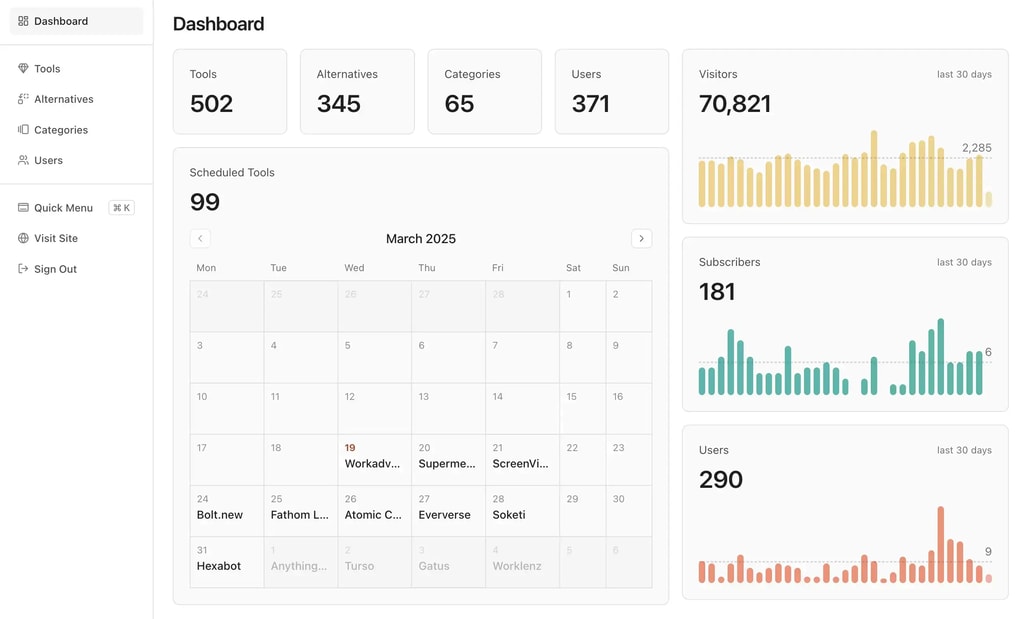
Don't waste time on Stripe subscriptions or designing a pricing section. Get started today with our battle-tested stack and built-in monetization features.
Every third-party service is now optional, so a fresh clone runs before you sign up for anything
Dirstarter now needs only six variables to start: NEXT_PUBLIC_SITE_URL, NEXT_PUBLIC_SITE_EMAIL, CRON_SECRET, DATABASE_URL, BETTER_AUTH_SECRET and BETTER_AUTH_URL. Every third-party service is optional. A service turns on when every variable in its group is set. Without it, the app leaves that feature out instead of failing at build or startup.
Service
Without it
Stripe
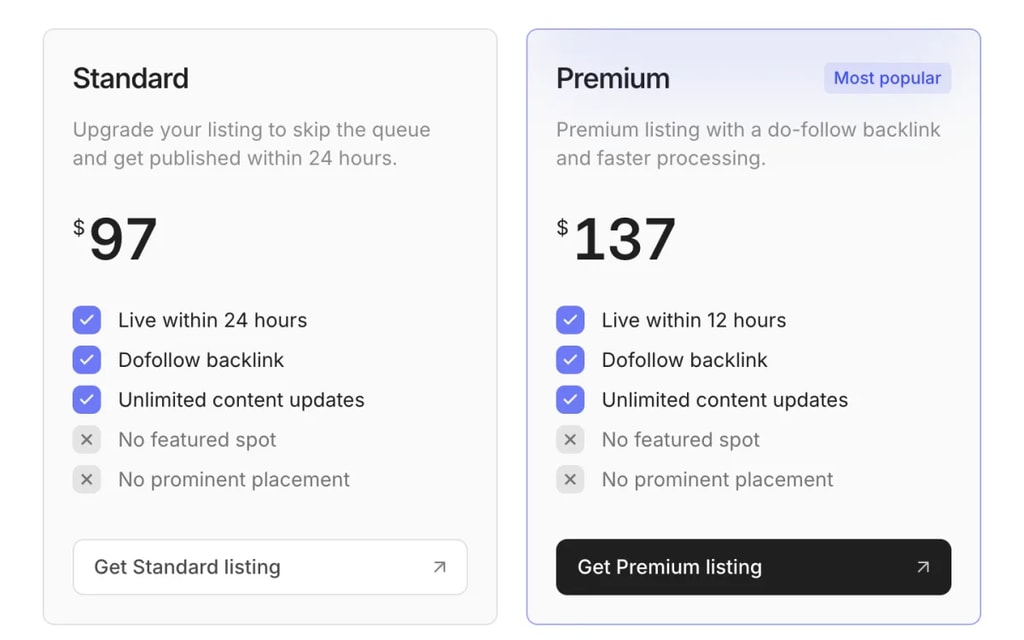
Submissions are free. Tier cards, checkout, the billing portal and the webhook are off
Resend
Development logs emails to the terminal. Production sends no email
Google sign-in
The login form has no Google button
Amazon S3
Favicons keep their external URL, screenshots are skipped and admin uploads are off
ScreenshotOne
Tools get no screenshot
Redis, AI, webhooks and Revinel already worked this way. Clone the repo, point it at a database and your directory runs. Add Stripe when you're ready to charge, and S3 when you want screenshots.
Production still needs a way to sign in. Magic links need Resend, so set up Resend or a social provider such as Google before you launch.
Guests can start a submission, every tier shows when it goes live, and paid listings manage their own billing
We reworked every step from "submit a tool" to "paid listing". Makers see what they're buying before they pay, and they have fewer reasons to email you afterwards.
After checkout, Dirstarter writes the tagline, description and content from the tool's website and fetches its favicon and screenshot, so a paid listing goes live complete.
The success page confirms whether the listing is paid or waiting in the queue.
Subscribers manage their card, invoices and cancellation from a "Manage billing" button that opens the Stripe customer portal.
When a paid listing ends, the owner and the admin each get an email.
The new emails are submission-downgraded.tsx and admin-submission-downgraded.tsx. Run bun run scripts/setup-stripe-products.ts again to create the customer portal configuration. The script skips this step when your Stripe account already has one.
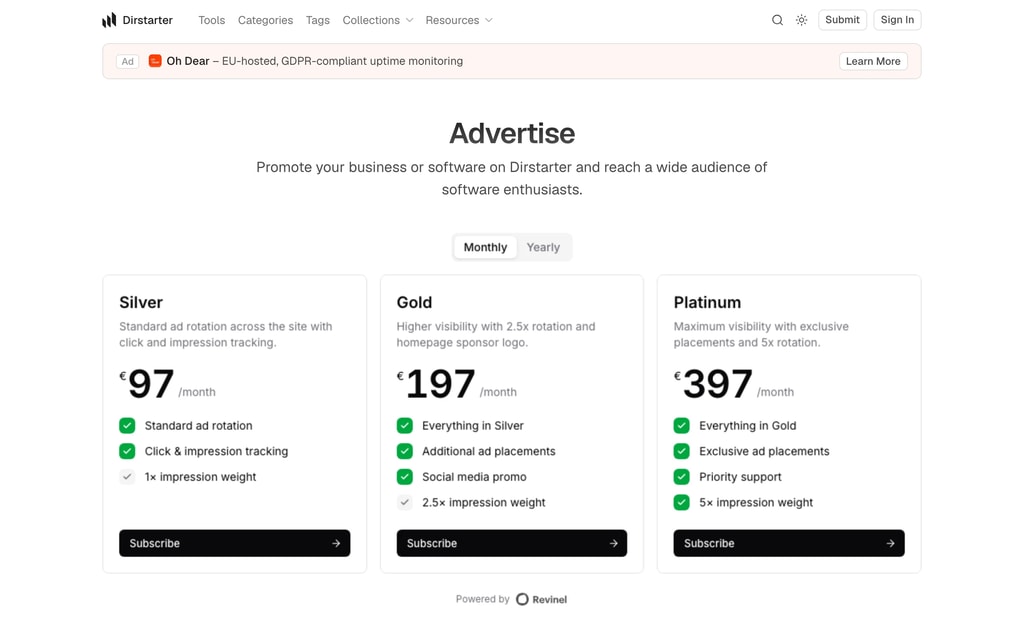
Dirstarter's ad system moves to Revinel, with a hosted pricing page, ad-blocker-resistant serving, and advertisers who pay you directly
Dirstarter's built-in advertising has moved to Revinel, a dedicated ad-serving platform. The old system stored ads in your database and made you build every campaign by hand in the admin. Revinel runs it end to end: pricing, checkout, rotation, and tracking.
Create a Revinel workspace, connect Stripe, and copy your workspace id into NEXT_PUBLIC_REVINEL_WORKSPACE_ID. That one variable is the switch. Set it and your /advertise page starts showing tiers while ad slots across listings, tool pages, and blog posts begin serving. Leave it empty and the entire ad surface stays hidden, so a fresh clone still builds and runs.
Because ads are fetched at request time and rotate on a stable window, a visitor sees a consistent set while they browse, and new bookings appear without a redeploy.
Upgrading an existing site removes the old Ad table, so export any live campaigns before you migrate. The Monetization guide covers setup, the ad fields to configure in Revinel, and how placements map to tiers.
Send directory events to your own automation with a single webhook
Dirstarter now emits domain events (tool submitted, tool published, tier upgraded, report created, and more) and can deliver them to an outbound webhook alongside the existing email notifications.
Set WEBHOOK_URL and every event starts POSTing a small JSON envelope to your endpoint. Wire it to n8n, Zapier, Make, or anything that speaks HTTP to automate whatever you like: share newly published tools on socials, ping Slack on a new report, sync to a CRM. It's off by default, and an optional WEBHOOK_TOKEN secures the receiver.
Because each event says plainly what happened and to whom, you can point the webhook straight at an AI agent node in n8n or Make and let it take it from there. Publish a tool and have the agent draft and post the social announcement. Get a report and let it triage the tool and write you a summary. Onboard a submitter with a personal follow-up. No glue code, just a prompt.
See the Webhooks documentation for the payload shape, the full event list, and how to add your own.
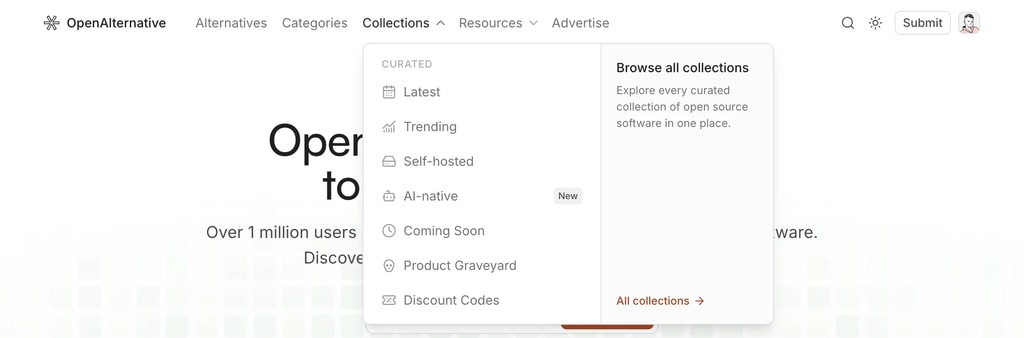
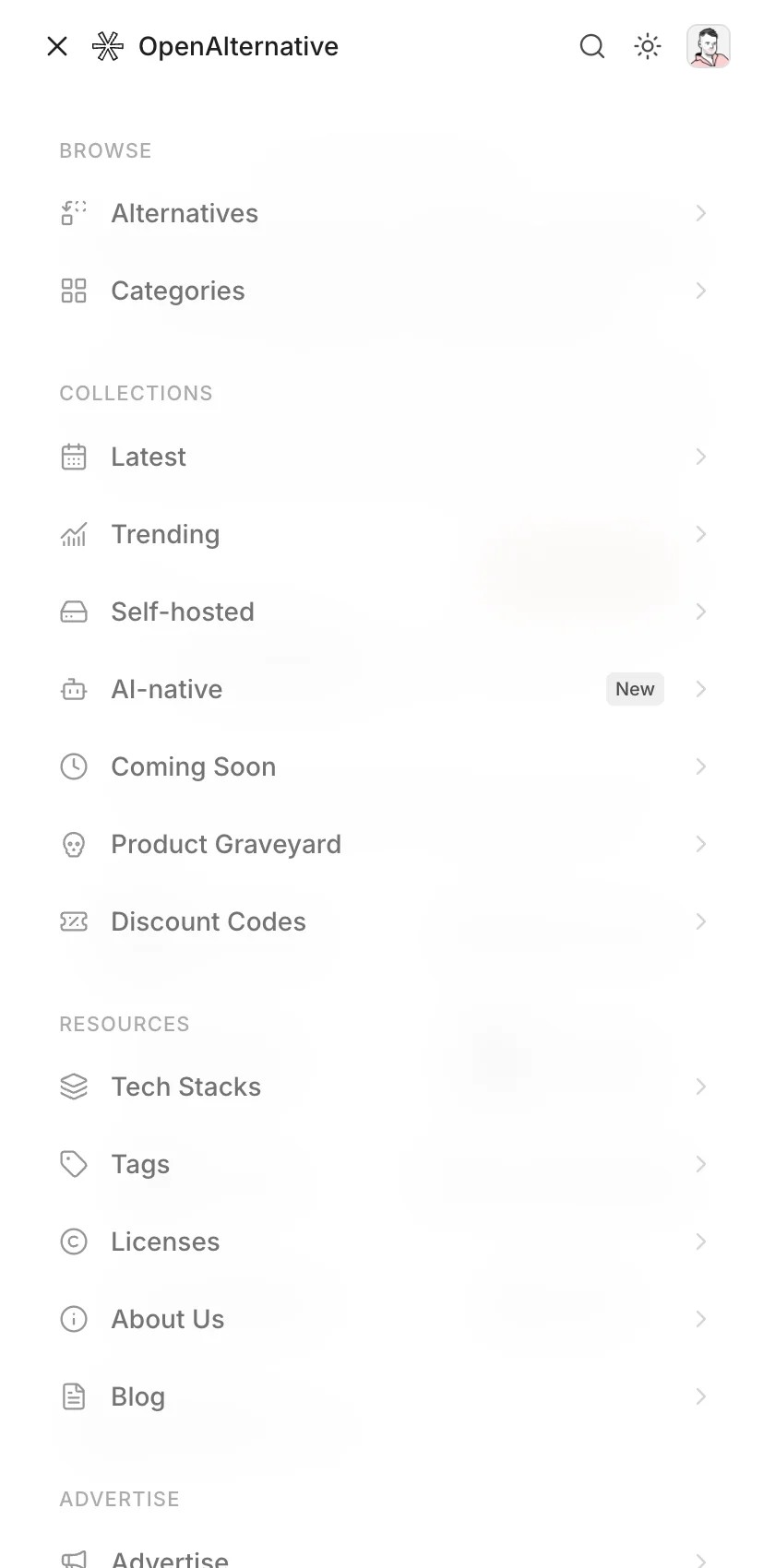
A proper navigation menu on desktop and a full-screen panel on mobile, both driven by one config file
The header outgrew its dropdowns. As the site gained collections, resources, and more content pages, a flat row of links stopped scaling. The navigation has been rebuilt on both breakpoints, driven by a single config.
Top-level groups can now open as a two-column menu: links on the left, a promotional panel on the right pointing at whatever you want to push: a hub page, the submit form, an upgrade.
Built on Base UI's navigation menu, so it's keyboard-navigable and screen-reader friendly out of the box. The popup morphs between groups instead of closing and reopening, and links highlight when you're on the current route.
Mobile gets a full-screen panel instead of a cramped dropdown. Groups are rendered as titled sections, and it closes on Escape and on every route change.
Drop menu: true and the group's links render flat in the header instead. Labels are i18n keys resolved at render, so navigation translates with the rest of the site. Change a link once and it updates on desktop, mobile, and anywhere else the config is read.