Don't waste time on Stripe subscriptions or designing a pricing section. Get started today with our battle-tested stack and built-in monetization features.
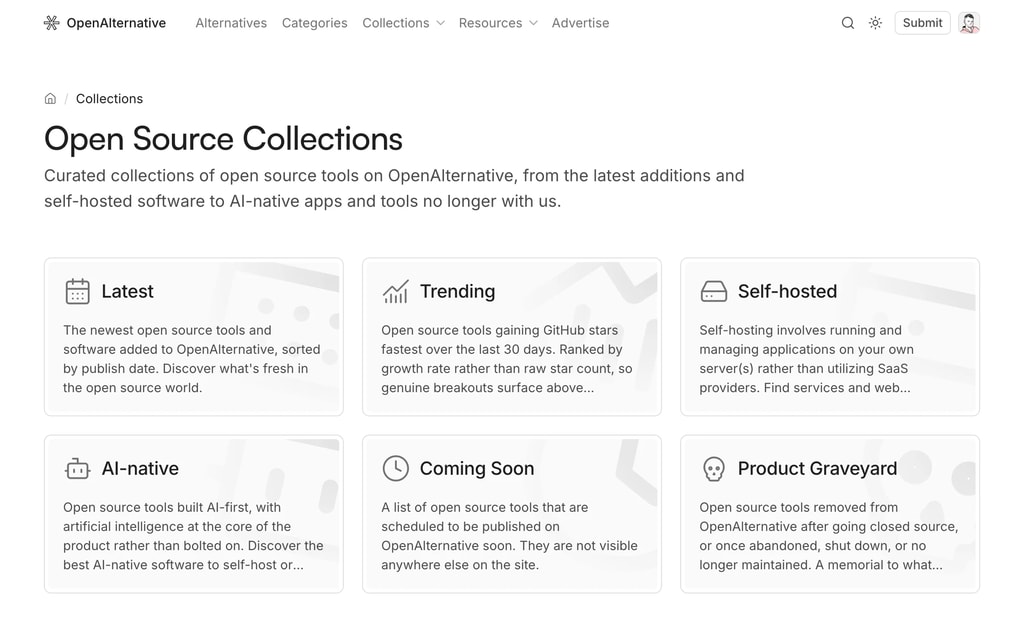
Curated listings like Latest, Featured, and Coming Soon, each defined by a single config entry
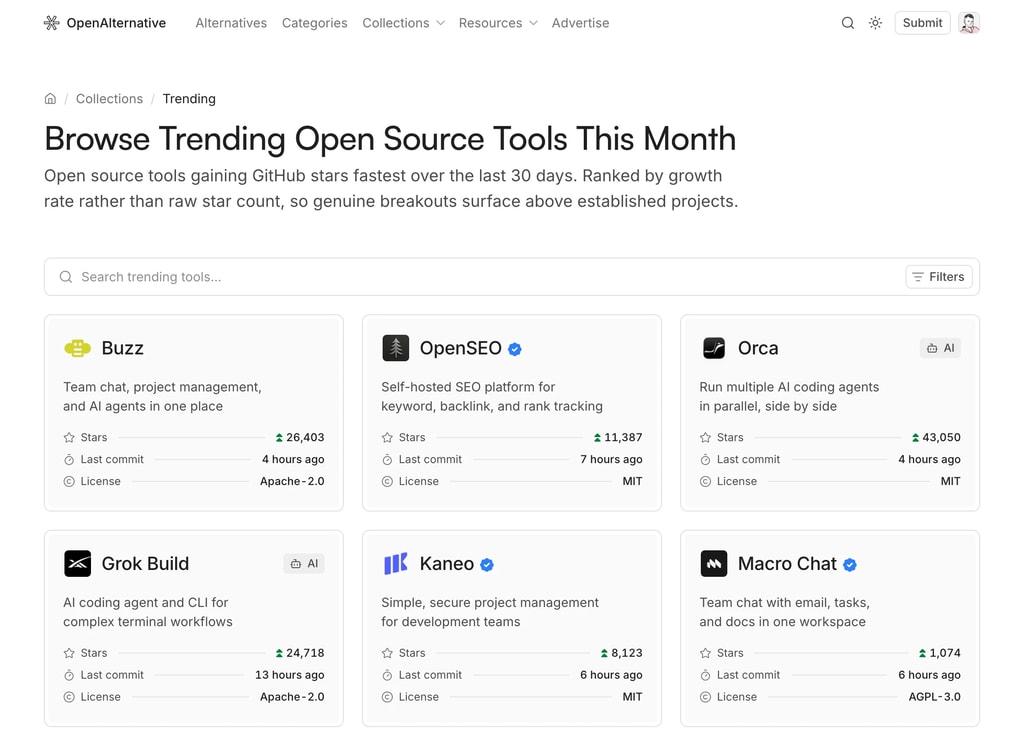
Directories accumulate tools faster than visitors can browse them. Collections are curated listings, saved filters over your tool query, that give people a shortcut to the slice they care about, and give you more pages to rank.
Each collection gets its own page with the full listing UI: search, filters, sorting, and pagination, all scoped to that collection.
Add the entry and the collection gets a page at /collections/[slug], a card on the /collections index, a header navigation slot, a footer link, and a sitemap entry. No other file needs touching.
where: merged into the public tool query, so any Prisma filter works: tier, status, category, dates, whatever you index
overrideParams: force a sort or filter, e.g. oldest-first for a "Coming Soon" listing
options: toggle the search, filter, and sort controls per collection
nav and badge: surface the collection in the header menu, optionally with a "New" label
Copy comes from your message files under pages.collections.<slug>, so titles, descriptions, and metadata stay translatable alongside the rest of the site.
Three collections ship by default: Latest, Featured, and Coming Soon. Delete the ones you don't need and add your own.
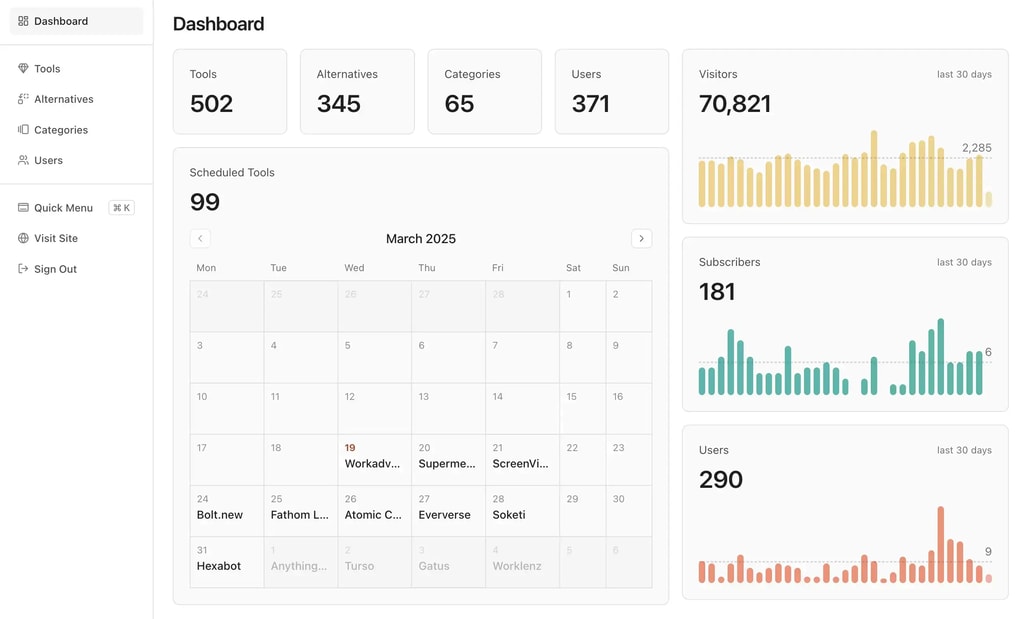
The separate admin and dashboard areas are now one permission-gated /app workspace
The admin panel and the user dashboard have merged into a single /app workspace. Instead of two separate areas, everyone signs in to one dashboard that adapts to their role: admins manage content, while every signed-in user gets their own submissions and bookmarks.
One workspace at /app: Content management, settings, and personal pages live under a single shell, and the sidebar shows only what your role can access
Permission-gated navigation: A declarative role model (can(user, permission)) decides what each user sees, replacing the hard split between the admin and dashboard areas
Old links keep working: /admin/* and /dashboard/* 308-redirect to their /app/* equivalents, so existing bookmarks and external links stay valid
Existing routes redirect automatically, so there's nothing to change in your deployment. Just sign in at /app.
All UI components have been migrated from Radix UI to Base UI for a more modern, flexible foundation
We've migrated all UI components from Radix UI to Base UI — a lower-level, unstyled component library that gives you more control over rendering and styling.
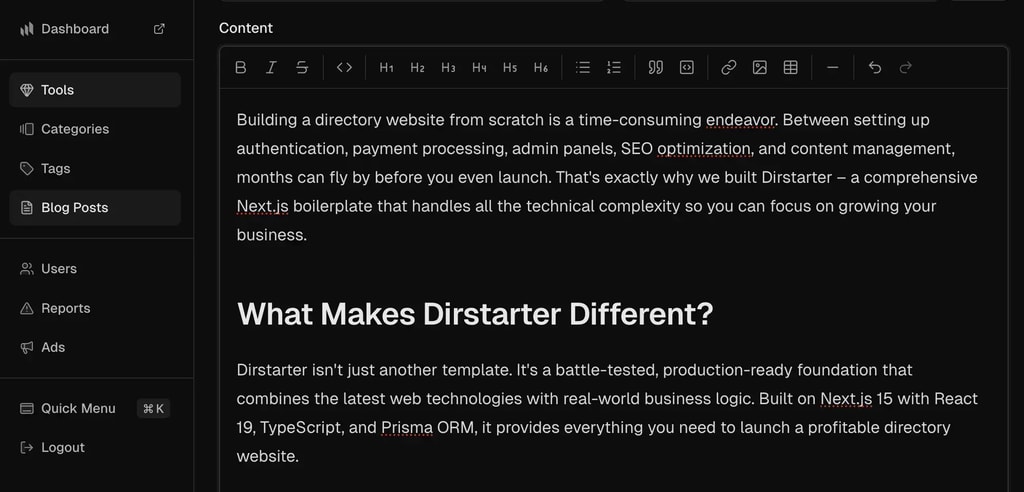
Blog posts are now fully managed through the admin dashboard with a rich text editor, scheduling, and database storage
Blog posts are no longer stored as static MDX files. They now live in your database with a full admin interface for creating, editing, and publishing – giving you complete control over your content without touching code.
If you're upgrading from a previous version that used file-based MDX blog posts, a migration script is included to automatically move your content to the database:
SKIP_ENV_VALIDATION=1 bun run scripts/migrate-posts.ts
The script parses frontmatter, extracts plain text for search, and inserts each post into the database. It's safe to run multiple times – posts with existing slugs are skipped.
Signed-in users can now bookmark tools and manage them from a dedicated dashboard tab
We've added tool bookmarks so your users can save tools they find interesting and come back to them later — all from a dedicated tab in their dashboard.
Bookmarks are stored as a simple relation between users and tools, with a unique constraint ensuring each tool can only be bookmarked once per user. When a user or tool is deleted, associated bookmarks are automatically cleaned up via cascading deletes.
The bookmark button appears alongside existing tool actions (report, embed, visit) and visually indicates whether a tool is already saved.