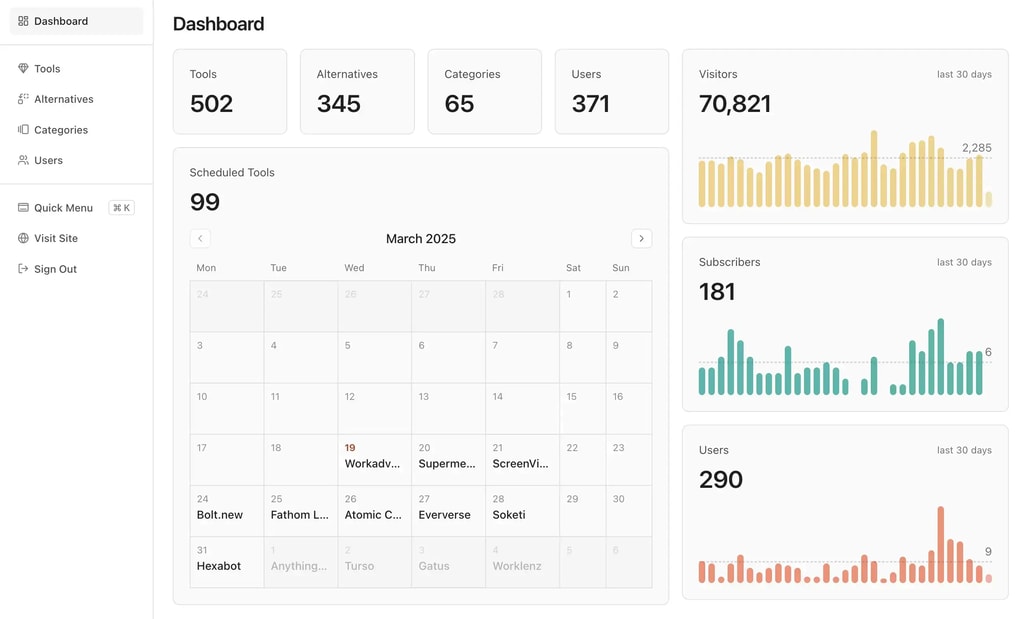
November 19, 2026
Media gallery for toolsGive each tool up to 9 images and videos, with a lightbox on the tool page
Each tool now has a media gallery in place of its single screenshot. A gallery holds up to 9 images and videos in the order you set. The first item is the cover on cards and on the tool page.
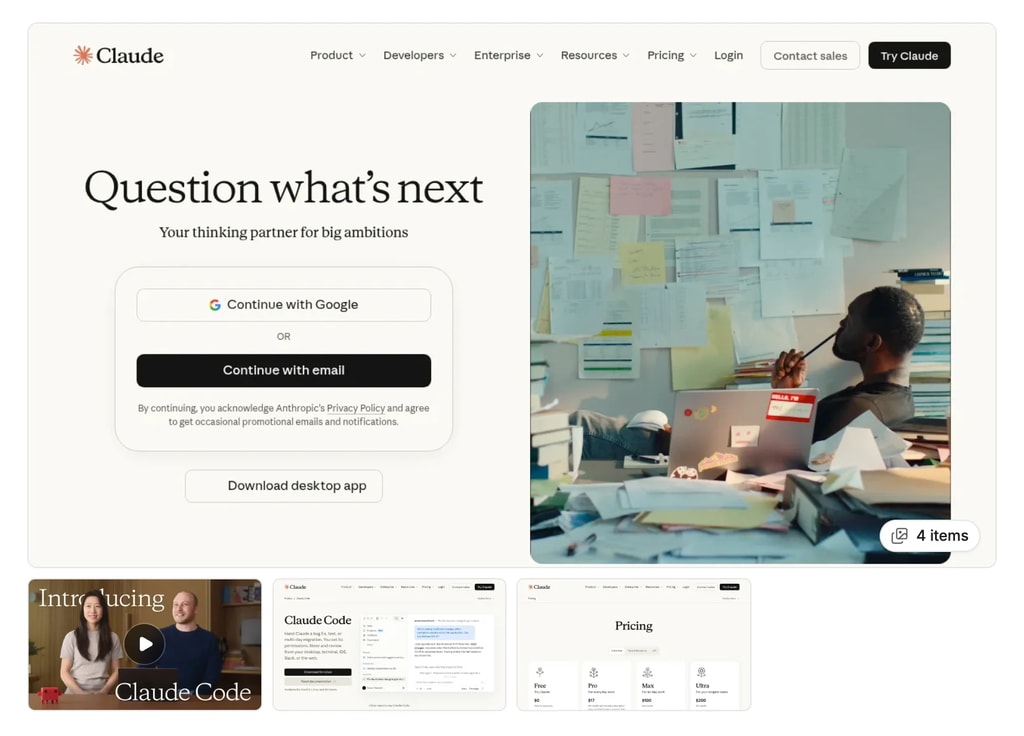
Add a YouTube, Vimeo or Loom link and it becomes a video. Cards and thumbnails show its poster with a play badge. The provider's player loads only when a visitor presses play, so the page stays fast.
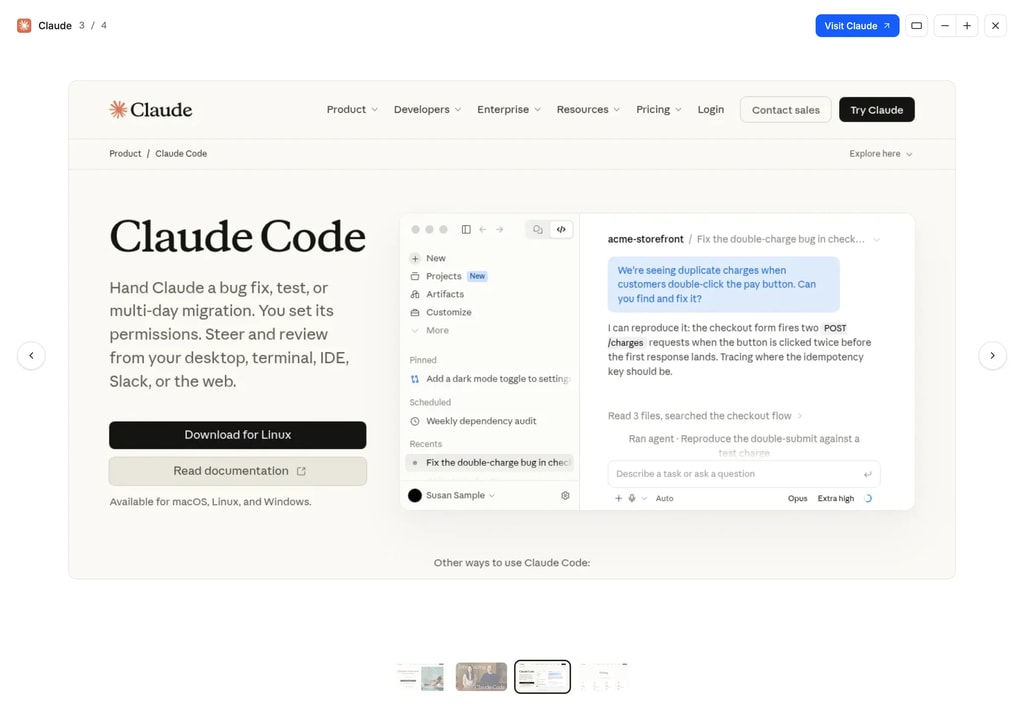
Clicking any item opens a lightbox. Visitors move through the gallery with the arrow keys or the thumbnail strip, and can zoom into images.
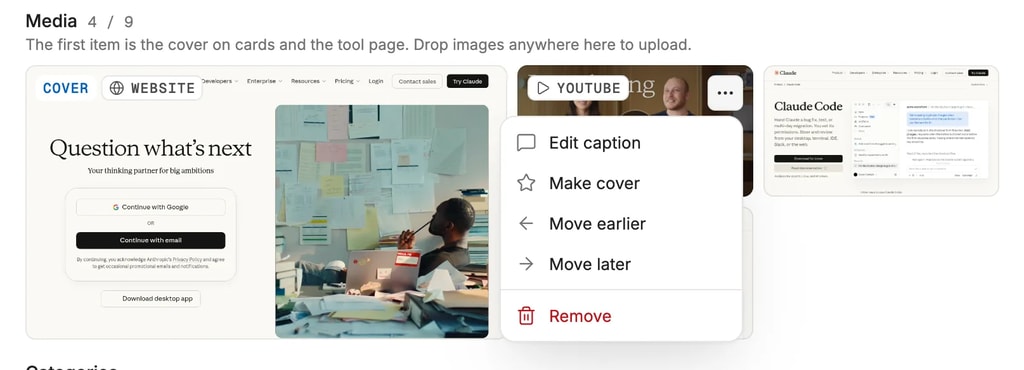
The tool form has a new Media field, where you can:
- Upload files, or drop images anywhere on the field
- Add an image or video by URL
- Capture a screenshot of the tool's website, and recapture it later
- Add captions, reorder items, pick the cover and remove items
Files live in S3 under tools/<id>/media. Images added by URL are downloaded, not hotlinked.
When enrichment runs on a tool with an empty gallery, it captures a website screenshot as the cover. Three settings in config/tools.ts control the gallery:
captureScreenshot turns that automatic capture off, for directories that upload covers by handmaxMedia sets the item limitmaxCaptionLength sets the longest caption
The tool page also adds the gallery to its structured data: website captures as screenshots, every image as an image, and a VideoObject for each video.
The migration moves each tool's existing screenshot into its gallery as the cover, so no listing loses its image. It also drops Tool.screenshotUrl, so switch any custom code that reads that field to media. The create_tool, update_tool and get_tool MCP tools now take and return media as well.